Portfolio Homebase
Overview
Portfolio Homebase is a system where one can display their portfolio of projects, and also maintain a blog. The site can be kept current through the in-depth CMS. The idea of this stemmed from "Hey, I should have a website to put my cool projects on", so I decided to turn the act of doing that into a project.
Tech Stack
- Framework: CakePHP
- Frontend: CSS, Bootstrap, PHP, Javascript
- Backend: PHP
Features
Feature-rich project/blog page creation
The open-source rich text editor Quill was used to allow pages to be highly customisable. This allows posts to stand out and not just be a wall of text. It allowed features such as bolding, underlining, italics, strikethrough, highlighting, and more.

The code to initialise the editor was put into an Element, which is a reusable component, allowing the editor to be initiliased the same way everytime it is needed, and to avoid code duplication.
The most difficult part of the editor was the image insertion. Out of the box, Quill stores images using Blob in the database. This would quickly bloat the database and cause it to slow down significantly. So, the image handler in Quill was overwritten, and now called a method that uploads the image to the server, then saves a reference to it. This is a much more sustainable way of storing image as there is less demand on the database.
Content Management System (CMS)
A CMS was created to allow the static content of the site to be changed, such as the homepage text, images, and links. This was done so that the code doesn't need to be changed to keep the site fresh. A Contents table was created to hold all of these fields, with one row for each unique part (about me title, about me text, ...).
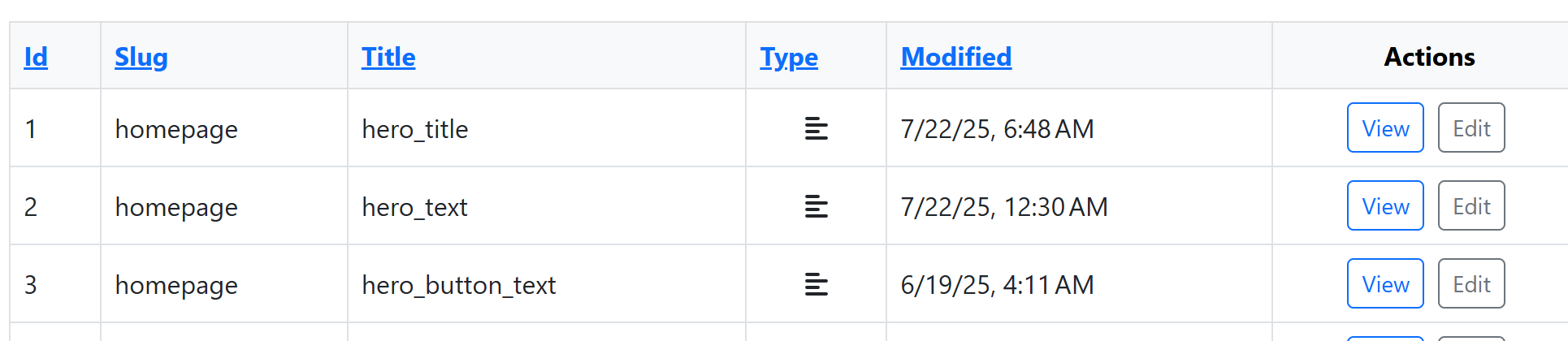
The controller gets the fields relevant to the page being loaded (grouped by slug)(1st code block), then the fields are inserted into the template (2nd code block).
Responsive Design
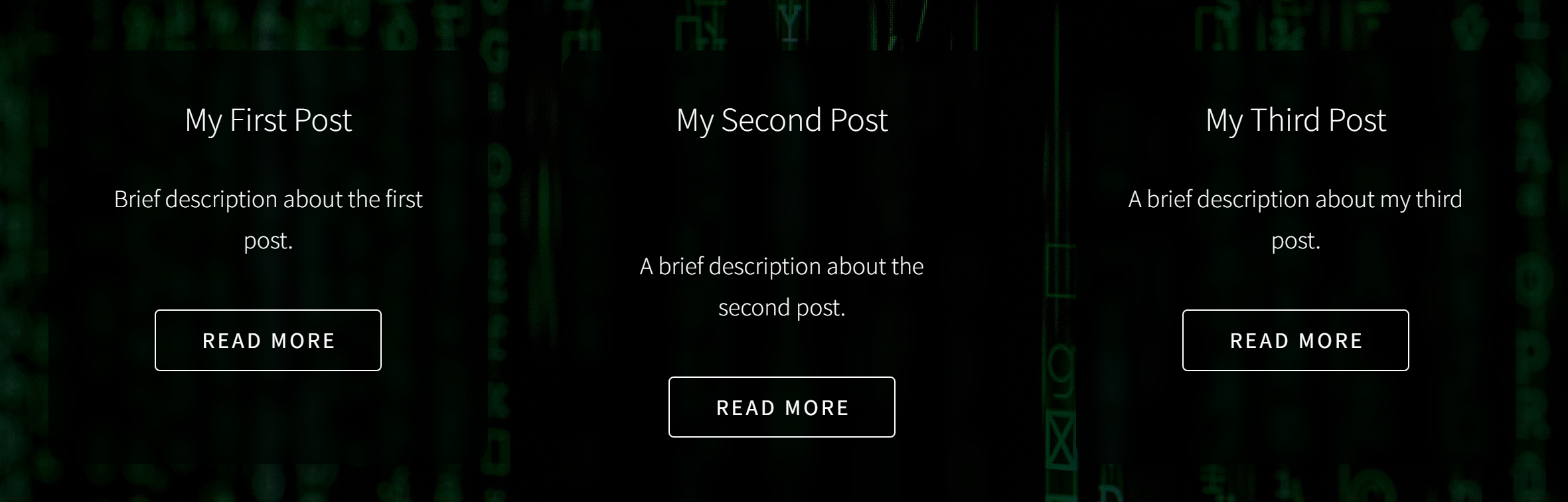
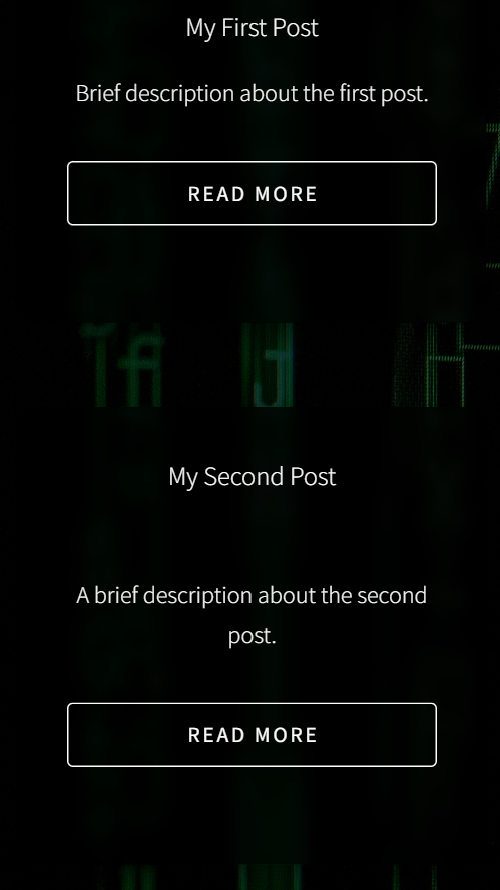
A responsive design allows websites to be used on devices of varying sizes. This is important as it gives the website vistor flexibility on the device they visit the site with.
This was done through a using bootstrap to organise the cards in neat rows, and with css to change the number of rows and how they are presented when the screen size reaches a certain size.
Security
As the site is to be hosted on the internet, security features must be added to prevent malicious actors causing harm to the site. The CakePHP Authentication plugin was used to check a user's login, and if it succeeds to create a session.
Passwords were hashed before entering the database so that they can't be read in plain text, and so that if the packet containing a login attempt is captured the raw password can't be seen, only the hash.
A couple of middleware layers were created to add additional security features app wide. First, a security header middleware that added appropriate security headers site wide, restricting what it can access. Second, a rate limiting layer to prevent spam from bots.
Things to Change
- Improve styling of public pages
- Make more responsive to hovering, pressing, more things to click
- Make features blog and projects pull from the database
- Clean admin interface
- Make a proper admin dashboard
- Removed references to ID (tables, delete message, ...)